This post contains affiliate links. If you sign up through my link, I may earn a commission at no extra cost to you. We have personally used Homeschool Planet for six years, and all opinions are my own.
We have used Homeschool Planet for six years, and I still absolutely love it.
I use it for both of our kids and for nearly every part of our homeschool schedule. That includes regular subjects, online classes, outside activities, enrichment, vacations, appointments, and the plans that change at the last minute because real family life rarely follows a perfect calendar.
I tried Google Calendar, paper planners, and planners built into individual curriculums. Each handled part of the job, but none worked as well for our whole homeschool. Homeschool Planet is the one system that has kept everything together without forcing our family to become rigid just to stay organized.
Try Homeschool Planet free for 30 days
What Is Homeschool Planet?
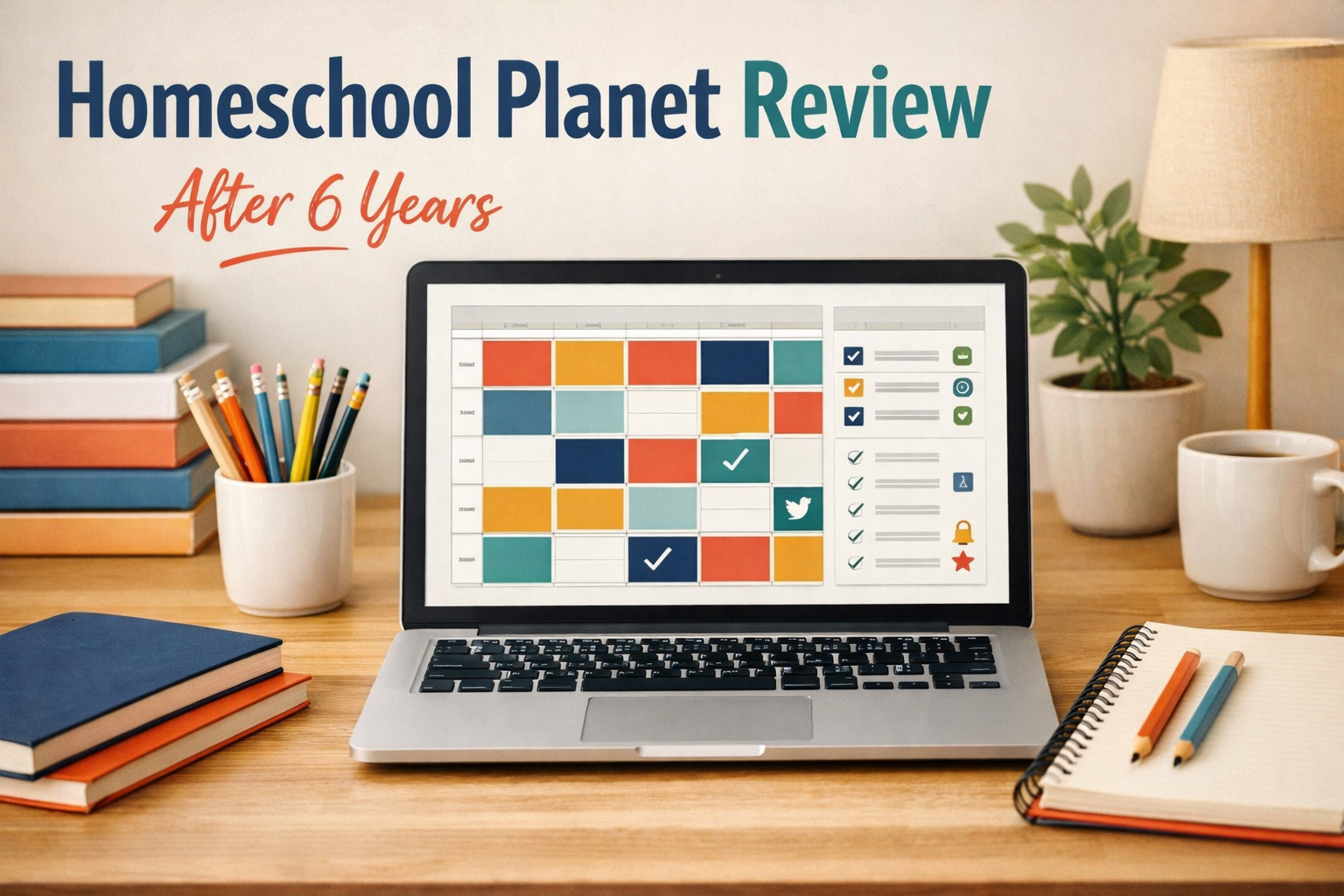
Homeschool Planet is an online planner designed for homeschool families. It combines classes, assignments, appointments, activities, records, reminders, grades, attendance, and family scheduling in one place.
You can use it for one child or several. Each child can have a separate schedule, and you can view everyone together or individually. You can add recurring classes, timed activities, online lessons, outside appointments, vacations, field trips, and almost anything else that affects your school week.
It is more than a digital calendar. You can attach links or PDFs, track completed work, record grades, manage attendance, print reports, and build transcripts. It can also connect with outside calendars, including Google Calendar.
How We Use It for Both Kids
We use Homeschool Planet for all of our scheduling. I put regular subjects in it, but I also include online classes, outside activities, enrichment, family plans, and vacation time.
That matters because our homeschool does not happen in a neat little box. Some days are very structured. Other days change because an activity comes up, a child needs more time on a subject, we decide to take advantage of an opportunity, or we simply need to move things around.
Homeschool Planet lets me see the full picture without maintaining one calendar for school, another for activities, and a third place for everything else.
The Feature That Makes the Biggest Difference
The automatic rescheduling is the huge feature for me.
If we need to push a subject or assignment, I do not have to move every future lesson by hand. Homeschool Planet gives me several choices for what should happen next.
- Move the missed or delayed assignment to the next school day
- Move it to the next regularly scheduled day for that subject
- Double up the missed assignment with the next planned assignment
- Shift the following assignments so the sequence stays intact
That flexibility is what makes it work for an active and somewhat off-the-cuff homeschool family.
A paper planner cannot automatically move an entire subject forward. Google Calendar can move events, but it does not understand the sequence of a curriculum. Curriculum-specific planners may handle one program well, but they do not manage the rest of our homeschool life.
Homeschool Planet handles the ripple effect. I make one decision, and it adjusts the plan instead of creating more work for me.
Daily Digests Keep Us on Track
We use the daily email digests, and they are one of those features that becomes more useful the longer you use the planner.
The day’s assignments and activities arrive in my inbox, so I can quickly see what each child needs to do. I do not have to open several curriculum websites or search through multiple calendars before we start the day.
You can also use weekly digests, assignment reminders, and separate student access depending on how independently your children work.
The Reporting Is Excellent
The reporting is another major reason we have stayed with Homeschool Planet.
It can track attendance, completed assignments, grades, class hours, activities, and other school records throughout the year. When it is time for our year-end evaluations, I am not trying to rebuild months of work from memory.
I can pull organized reports that show what we completed and how our school year progressed. That saves time and gives me much better documentation than scattered notes, paper checklists, or records trapped inside separate curriculum systems.
For families who need report cards, transcripts, class-hour reports, assignment lists, or attendance records, the information is already connected to the actual schedule and completed work.
Everything Lives in One Calendar
I can view both kids together or look at one child at a time. School subjects, appointments, outside classes, activities, enrichment, and vacations can all share the same system without becoming one long, confusing list.
Recurring assignments also save a lot of time. Once a class or activity is set up, I do not have to enter the same thing every week. I can choose the school days, subject days, start and end dates, grading options, and whether the activity is timed or untimed.
What I Tried Before Homeschool Planet
Before settling on Homeschool Planet, I used:
- Google Calendar
- Paper planners
- Planners included with individual curriculums
Each option handled part of the job.
Google Calendar was useful for appointments and reminders, but it did not manage curriculum sequences or homeschool records well. Paper planners were flexible until plans changed, then I was erasing, rewriting, and moving assignments manually. Curriculum planners worked inside their own programs but did not bring our entire homeschool schedule together.
Homeschool Planet is the first one that handled the full picture well enough that I kept using it year after year.
What New Users Should Know
The first setup takes time. You need to enter your students, school calendar, classes, recurring activities, and the way you want assignments scheduled.
It also has a lot of features. You do not need to learn all of them on the first day.
Start with your children, core subjects, and regular weekly schedule. Add reporting, grading, student logins, detailed records, and extra features after the basic planner feels comfortable.
The work is front-loaded. Once the year is set up, the day-to-day planning becomes much easier.
Who Will Get the Most Value From It?
Homeschool Planet is especially useful for families who:
- Homeschool more than one child
- Use a mix of curriculum, online classes, and outside activities
- Need to move assignments when life changes
- Want daily or weekly email digests
- Need year-end records, attendance, grades, or class-hour reports
- Prefer one detailed system instead of several separate planners
A family with one child and a very simple schedule may not need every feature. Someone who strongly prefers writing everything on paper may also find it more detailed than necessary.
For a busy family with changing plans, multiple subjects, outside activities, and real reporting needs, the flexibility is where it earns its place.
Homeschool Planet Price and Free Trial
At the time of this review, Homeschool Planet offers a 30-day free trial with no credit card required. The listed price is $9.95 per month or $84.95 per year.
Pricing and features can change, so check the current offer before signing up.
Start the free Homeschool Planet trial
Is Homeschool Planet Worth It?
For our family, yes.
We have used it for six years because it gives us structure without making our homeschool rigid. I can plan both kids, manage outside activities and vacations, receive daily digests, keep strong records, and adjust the schedule when life changes.
The rescheduling feature is what makes it stand out. It does not just show me that we missed something. It helps me decide what should happen next and then adjusts the rest of the plan.
We did not just try Homeschool Planet. We kept it because it continues to work for the way our family actually lives and learns.
Pricing and features were checked in July 2026 and may change.