As an Amazon Associate I earn from qualifying purchases. This page may also contain other affiliate links, which means I may earn a commission at no additional cost to you.
Our children first learned 3D printing with a Toybox printer. It was a good introduction, but before long they wanted to create larger projects, use more detailed models, and have greater control over how their prints turned out.
We considered Creality and Ender printers before choosing the Flashforge Adventurer 5M. We wanted something more capable than a toy printer without buying a machine that would require extensive calibration or advanced technical knowledge just to get started.
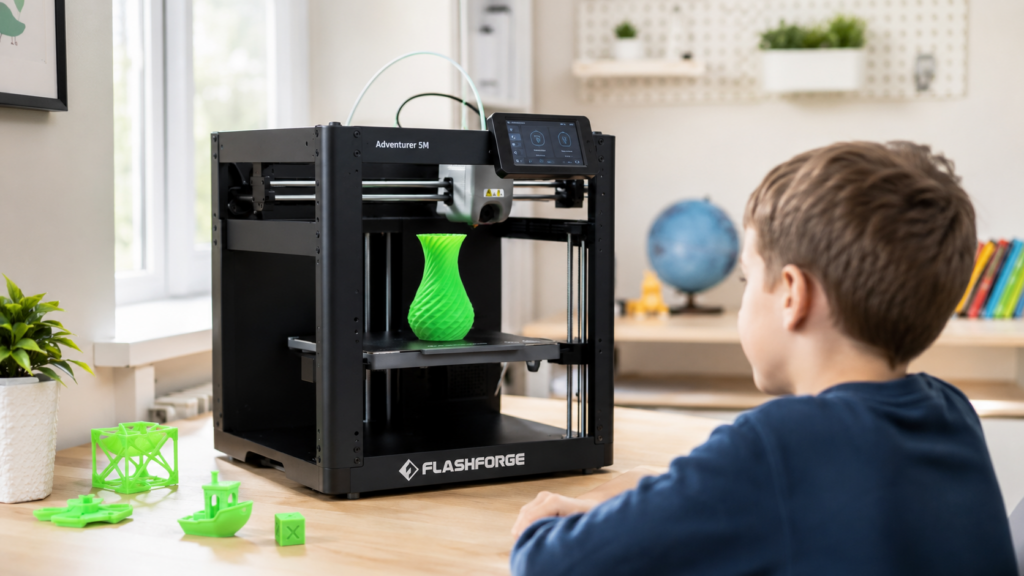
The Adventurer 5M has been an excellent next step for our family.
Check the current price of the Flashforge Adventurer 5M on Amazon
Why We Chose the Flashforge Adventurer 5M
The features that mattered most to us were:
- Automatic bed leveling
- Straightforward software
- A larger build area than our beginner printer
- Better control over print quality
- Enough capability for the kids to grow into more advanced projects
We wanted a printer that would challenge the kids without frustrating them. The Adventurer 5M has been a good balance between simplicity and flexibility.
Setup Was Surprisingly Simple
The printer worked essentially out of the box.
We installed the Flashforge software, downloaded a model, and had our first print running within about 30 minutes of opening the box.
There was no lengthy manual leveling process or complicated initial calibration. That mattered because this was supposed to be an upgrade the children could actually enjoy, not another machine that required an adult to operate every time.
Can Children Use It Independently?
Our children, ages 9 and 12, are able to choose models, load them into the Flashforge software, prepare them, and start prints independently.
For models that require support structures, they select the Auto Supports option in the software. That feature has worked reliably for the projects they have printed.
The important part is remembering to click it. The software can generate supports automatically, but it does not help if someone forgets to select the option before starting the print.
What Our Kids Have Printed
This has become much more than a machine for printing simple test models.
Our kids have made:
- Fidgets
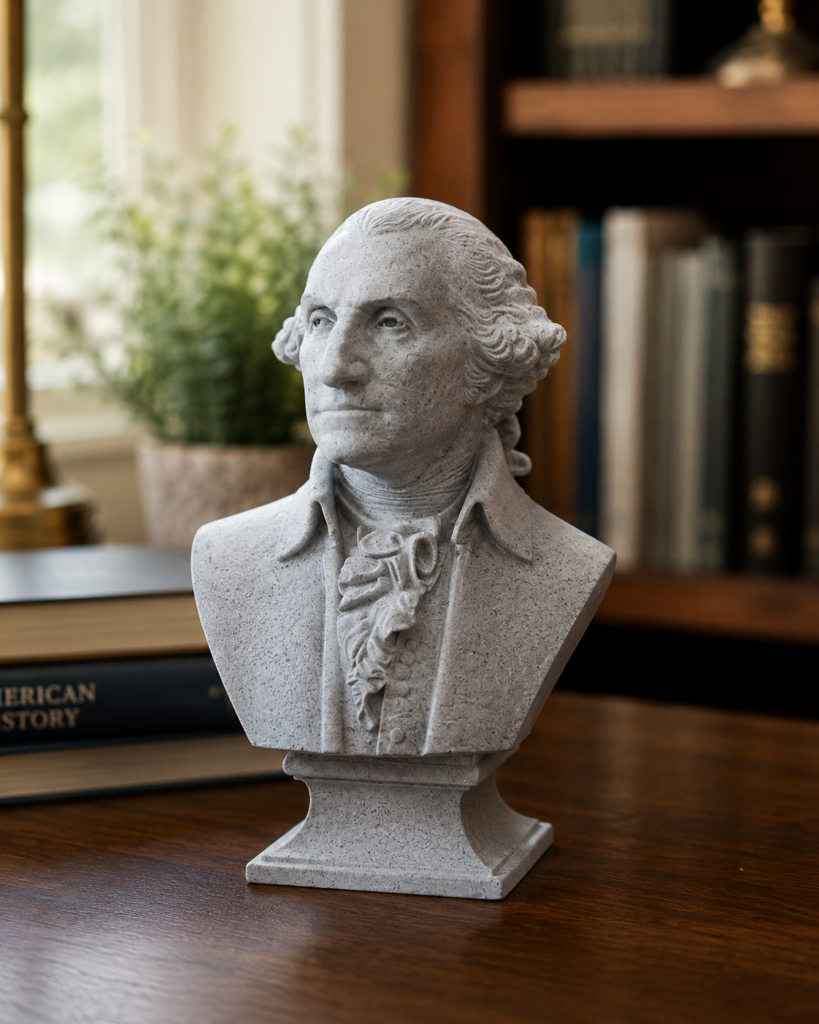
- Busts of famous historical figures
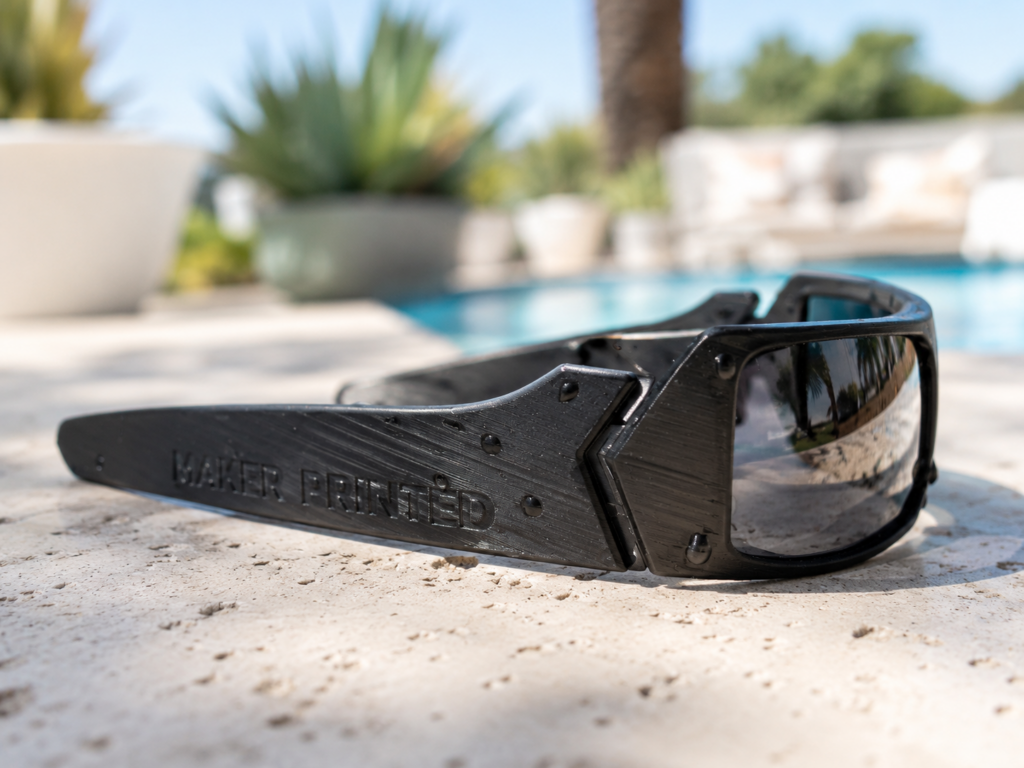
- Wearable sunglasses
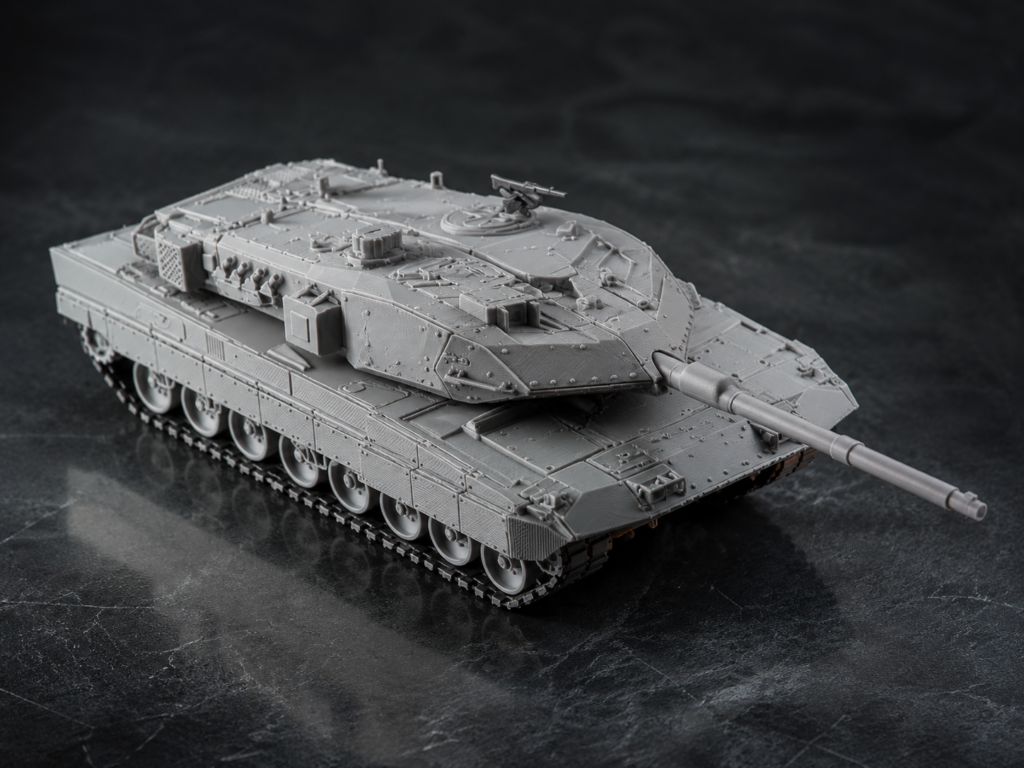
- Toy soldiers that they later painted
- Larger decorative and creative projects
It has given them opportunities to explore design, history, art, engineering, and problem solving without making the activity feel like another formal school assignment.
Print Quality Compared With a Toybox Printer
The print quality is noticeably better than what we experienced with the Toybox.
Models can have finer details, and the layer height can be adjusted to reduce how visible the individual print lines appear. This gives the children more control over whether they prioritize a smoother finish, faster printing, or greater detail.
The software also provides more choices for model orientation and supports. Those options introduce a learning curve, but they are also what allow the children to move beyond beginner level prints.
Support Settings That Helped Us
Print orientation and support settings made a significant difference on models with overhangs.
When printing at a 0.20 mm layer height, we found that setting the Top Z distance to 0.21 mm and increasing the Top interface layers to 3 helped make supports easier to remove while keeping the supported underside reasonably clean.
The Top Z distance is the primary setting that affects how easily the supports release. The interface layers mainly influence the finish and contact quality beneath the supported area.
These adjustments are only relevant for models that actually need supports.
Reliability and Failed Prints
The printer itself has been very dependable for us.
Our failed prints have generally happened when filament became tangled because someone did not roll it back onto the spool correctly. As long as we inspect the spool before starting and make sure the filament can unwind freely, the printer performs reliably.
We have not experienced recurring nozzle clogs, unexplained adhesion problems, or frequent mechanical failures.
Filament Storage Matters
We store our filament in sealed bags with desiccant packets inside lateral filing cabinets.
For normal family and homeschool use, that has been sufficient. We are not operating a professional print shop, so we are practical rather than obsessive about filament preservation.
A business that depends on highly consistent finishes may want a more controlled storage system or filament dryer. For the projects our family makes, sealed storage with desiccant has worked well.
Filament is also easy to find in nearly any color the kids want.
What Comes With the Printer?
The Adventurer 5M includes the basic tools needed to begin using and maintaining it. It also came with adhesive that can be applied to the build plate when extra adhesion is helpful.
We have not needed to purchase replacement parts or special equipment.
Different nozzle sizes are available for anyone who wants to experiment with finer detail or faster material output, but the original nozzle has handled our family projects without a problem.
The Main Drawbacks
We have had only a few frustrations.
Laptop connection issue
At one point, my son’s laptop stopped connecting properly. Updating the Flashforge software restored the connection. It appears to have been a software issue rather than a printer failure.
No built in camera
I wish the printer included a camera from the beginning. A compatible camera can be purchased separately, but families who want to monitor longer prints remotely should include that additional cost in their decision.
The software is fairly basic
The Flashforge software is not as feature rich as some more advanced 3D printing ecosystems. For our family, that has actually made it easier to learn.
Someone already operating more advanced printers may find the software limiting. A beginner family may appreciate that it does not overwhelm them with options.
Who Is This Printer Best For?
I would recommend the Flashforge Adventurer 5M to:
- Families moving beyond a toy or beginner printer
- Homeschool families interested in STEM, history, art, and design
- Beginners who want automatic bed leveling
- Parents who want older children to learn independent operation
- People who want good print quality without complicated initial setup
Someone running a professional production business or wanting the most advanced software platform may prefer a more advanced system.
Would We Buy It Again?
Absolutely.
The Flashforge Adventurer 5M gave our family exactly what we wanted. It was a meaningful upgrade from the Toybox without making 3D printing overly technical or intimidating.
Setup was simple, the print quality is much better, the kids can use it independently, and it has enough capability for them to continue learning.
For an entry level family that wants its first capable 3D printer, it has been worth the price.